
Once you have logged in you can access the Map feature by clicking the map icon in the left navigation bar

On open, the map will display close to your current location. You can zoom in and out using pinch or mouse wheel scrolling. Click, hold and drag on the map to shift your location view.
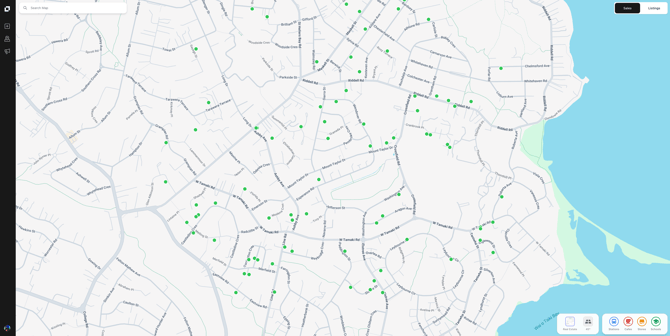
By default, the map will automatically load all the recent sales in the area (for the last 6 months) represented by green dots.
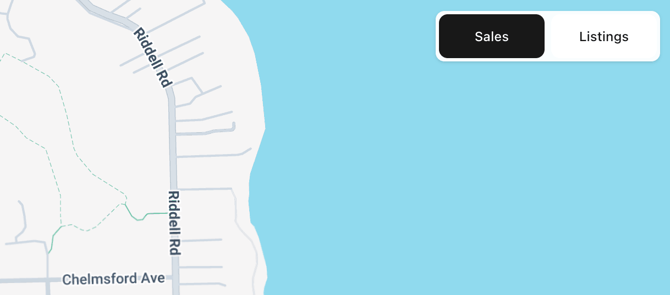
You can switch the map to show listings in the last 6 months by clicking ‘Listings’ at the top right of the window.
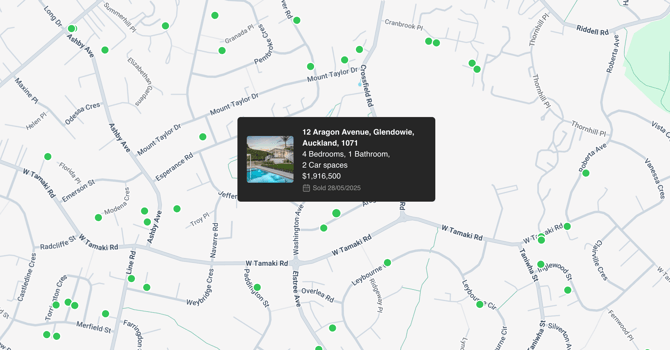
If you mouse over a recent sale or listing location (dot) you will be shown information about that property including the address, bedrooms, bathrooms, garages and sales or listing price.
At the top left of the screen, you can use the search feature to pinpoint an exact address on the map.
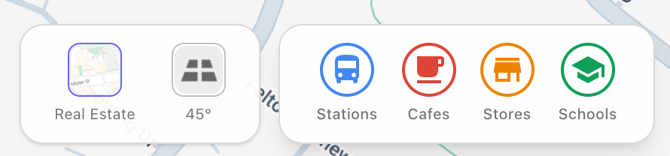
You can also change the visual layout of the map, including point of intrests (POIs) using the button on the bottom right of the screen. This includes;
-
- Switching from ‘Real Estate map’ to ‘45 Degree’ satellite imagery
- Add stations including bus stops, trains and ferries for public transport access
- Add local cafes and shops of interest
- Add local school and education of interest